Grassroots Technology Support Hub
We recently launched Cloudflare into our platforms to protect our platform stability and reduce traffic from bots. Whilst we’re refining the settings to ensure genuine users get through, can we please ask you follow the below steps to get into the platform
- Open the website in an Incognito/Private Browsing window
- This can help identify if cached data, cookies, or browser extensions are causing the issue.
- Try a different browser
- For example, if you're using Chrome, try Edge, Firefox, or Safari.
- This is often the quickest way to resolve the issue.
- Check that JavaScript is enabled
- Some website security checks require JavaScript to be enabled.
- If JavaScript is disabled, you may be blocked from accessing the site.
- How to turn on Javascript on with Edge, Chrome and Safari Enable JavaScript | Microsoft Support
- Try a different device
- If possible, access the website from another computer, tablet, or mobile phone.
- Switch your internet connection
- If you're connected to Wi-Fi, try using mobile data (4G/5G).
- If you're using mobile data, try connecting to Wi-Fi instead.
Why does this happen?
Most access blocks are caused by browser settings, browser extensions, corrupted cache or cookies, or JavaScript being disabled, which can prevent website security checks from completing successfully.
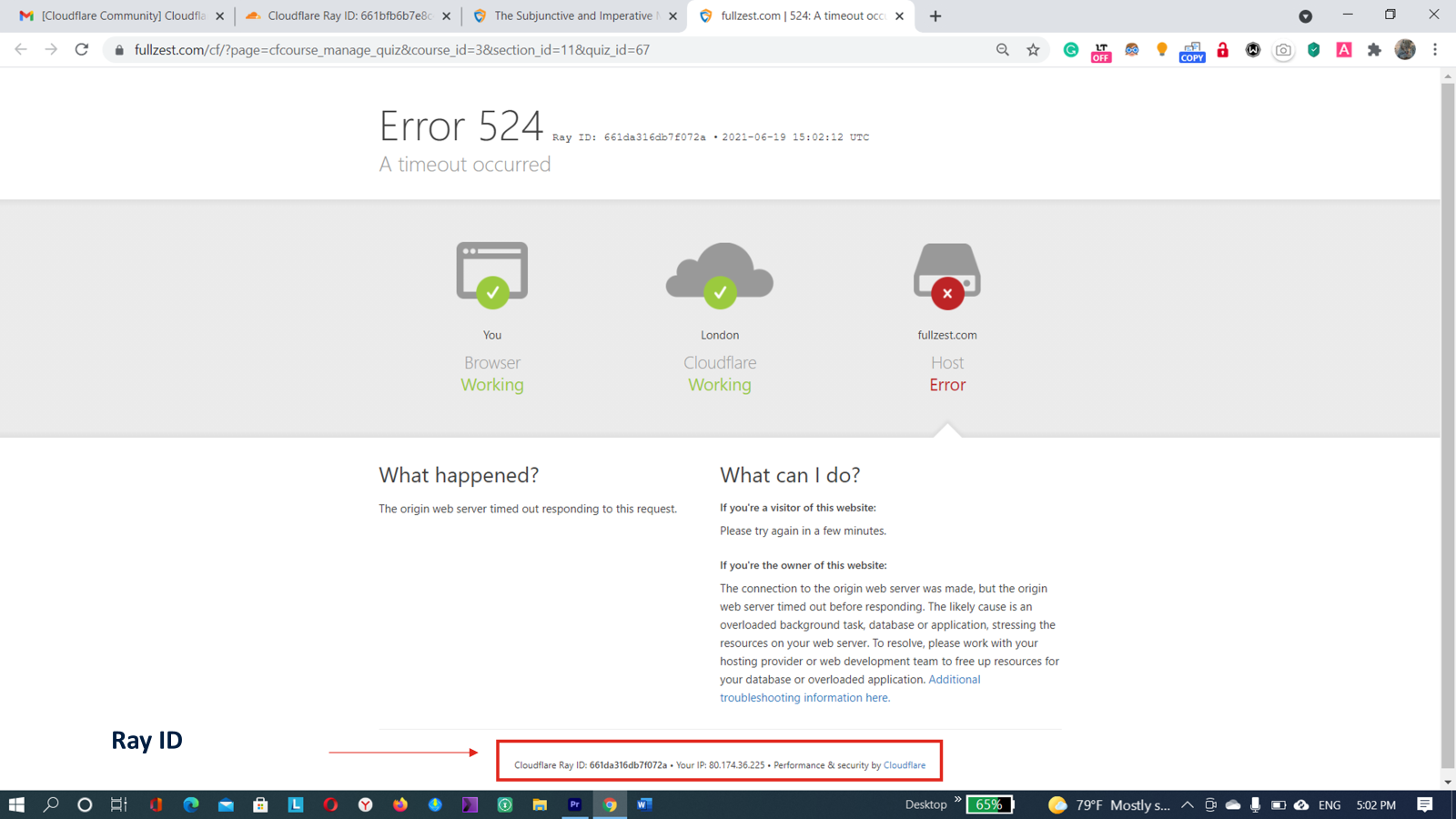
Once you’ve tried the steps above and are still unable to access the site, please can you submit a ticket with a screenshot of the error page which has the Cloudflare RAY ID on so we can investigate further.