Grassroots Technology Support Hub
There may come a time where you want to download a list of your current contacts, this could be to perform further analysis on alternative software or just so you have a list.
If you wish to download a list of ALL of your contacts, you can do this as shown below:
1. Go to the contacts module: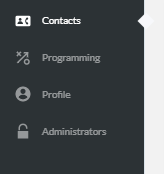
2. Use the tick box to 'select all' contacts: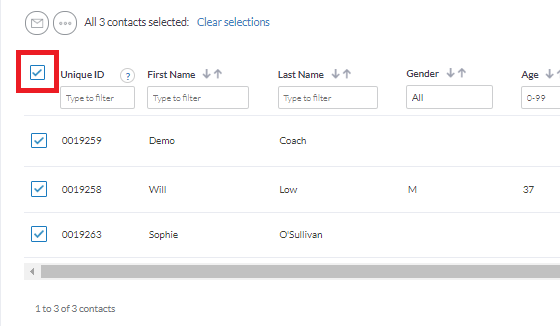
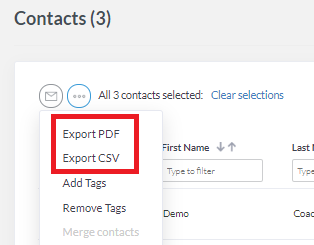
3. Select the more button (circle with three dots) and choose 'Export PDF/CSV':