 Grassroots Technology Support Hub
Common Questions and Issues
- "Email address is on more than one account"
- ‘Password has expired’
- "User has been suspended in Whole Game System’
- ‘No teams linked to this account’
"Email address is on more than one account"
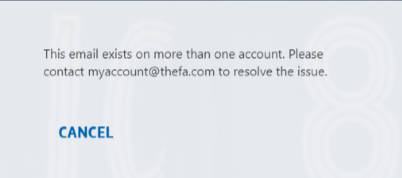
Search email on CRM, likely that they will have a duplicate account. If duplicate is blank, add donotuse@removethis.com into email address and deactivate. Then ask user to reset their password. If duplicate is not blank, send to County FA to merge FANs.
‘Password has expired’
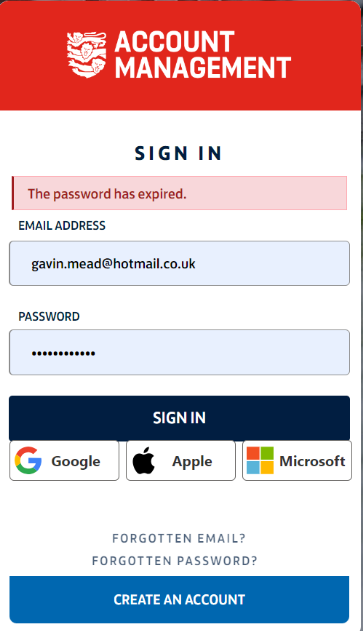
Ask user to reset their password via the forgotten password link on the login page.
"User has been suspended in Whole Game System’
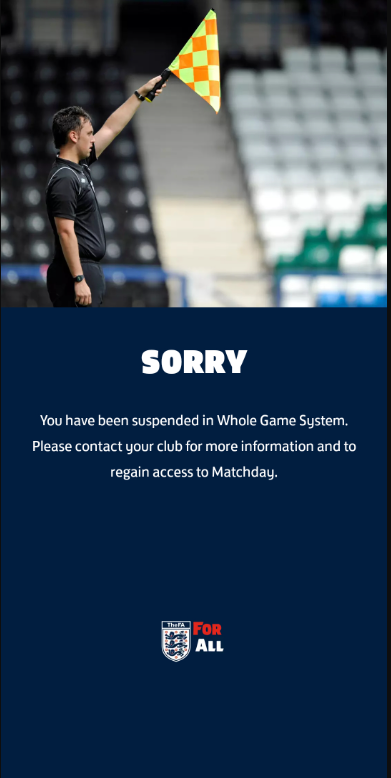
User/user’s child will have an active suspension on their account, and they will not be able to login until the suspension has ended. If user says suspension has ended already, inform them to contact their County FA to get the suspension removed. If suspension has been removed on CRM but still showing suspended on Matchday, send to IT Support.
‘No teams linked to this account’
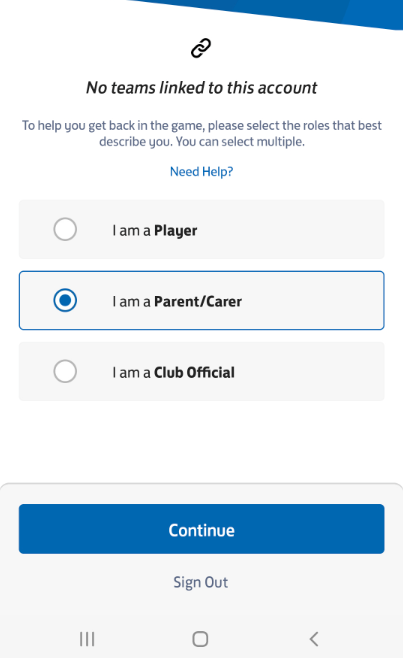
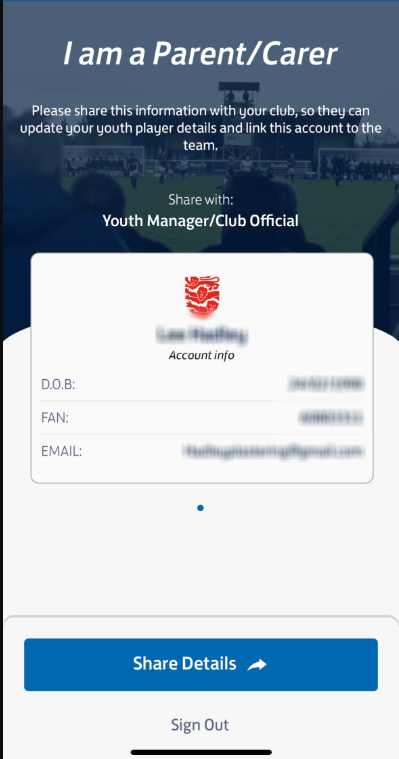
This means the user’s login is working, but they do not have the required roles on their account to login to Matchday.
If it is a club/team official - inform them that their club need to add them to their role in the Club Portal.
If it is a player – inform them that their club need to assign them to their team in the Club Portal.
If it is a parent –Check their FAN to see whether their child is linked. If not, either inform them their club need to link them to
their child’s account on the Club Portal. Or if they have provided child’s details, we can link them on the Club Portal to save time. Don’t link the child on CRM as this will not pull through to Matchday.
If the child is linked, but not assigned to a team/club, inform the parent that their child’s club need to register them on the Club Portal, in order for their team to show on Matchday.
If they are adamant the child has already been registered, ask for the child’s name and team. Check the team on the Club Portal, likely that they have been registered with a duplicate FAN. Just link the parent to the correct FAN on the Club Portal, then deactivate the duplicate FAN on CRM.